Reason for Purchase
Why did I buy a 2006 MacBook Core 2 Duo ~20 years after it launched?

At some point in the mid 2000’s I went to a photography workshop at the Apple Store on Buchanan Street in Glasgow. The presenter was using a Leica M8 or M9. I’m not 100% sure which one, but I do remember clear as day that he had a black MacBook. I thought this was the coolest setup ever. I believe that was the first and last time I saw a black MacBook in real life.
I think about it maybe once or twice a year.
As the years went by I went on to get some Leica cameras. I’ve been fortunate enough to own an M6, a Q and an SL2-S. All of that traces back to seeing that photographer in the Apple Store. His photographs were stunning and that workshop stuck with me.
Even though he was my introduction to Leica cameras, it never occurred to me to buy or even look for the black MacBook. Which is strange considering how strongly it is tied to that memory. I think the reason was that I needed a laptop capable of running the newly released Apple version of Autodesk AutoCAD at the time, and that meant I needed a MacBook Pro.
Anyway, I forgot it existed.
Fast forward to recently and I saw a YouTuber talking about the now “rare” black MacBook. I did my usual thing of checking eBay and saw they were available for between £100 and £200. A bit out of my price range for what would essentially be an ornament.
I’ve recently developed a mild obsession with checking Gumtree and eBay for older Apple hardware and came across a black MacBook for £40. It was also local to me. That price was perfect for an impulse purchase so I had to buy it.
The reason it was so cheap was that the battery was faulty to the point where the laptop didn’t even recognise that there was a battery installed.
When I went to see it the laptop powered up and worked fine with the power cord attached. That was good enough for me as the machine was really just going to be used for a bit of fun.
Price
The price of these laptops varies quite a bit.
I’ve seen some sell for as little as £30 with dead batteries. I’ve also seen them sell for close to £200 when they come boxed and in immaculate condition.
I’m not really a collector so I went for one at the cheaper end of the scale.
Condition of Mine
So what did £40 get me?
The laptop is actually in amazing condition considering its age.
The hard drive was an ageing 120GB drive which I believe was one of the two reasons this model originally cost more than the white version. The other reason was simply because it was black.
I replaced the hard drive with a 240GB SSD drive that I had lying around from another Apple related project.
The RAM had already been upgraded to the maximum of 3GB by the previous owner so there was nothing to do there. Which is a shame because upgrading the RAM in these machines is extremely satisfying. There’s a pull tab under the battery that, when pulled, slides the RAM out towards you as if it’s begging to be upgraded.
The screen lacks a little contrast but I don’t think that’s due to condition or age.
The keyboard has a lovely worn look to it. The letters are still perfectly intact but there’s a glossy shine on the keys that have clearly been pressed thousands of times over the last 18 years.
The CD drive works as expected and the WiFi is modern enough that it connects to my WiFi 7 network at home. It doesn’t however like connecting to my iPhone hotspot.
Bluetooth also works as expected. It connects to my Magic Mouse 2 without any problems. My AirPods Max also connect fine, although the more advanced features such as device switching don’t work due to the MacBook running an operating system that’s far too old for modern iCloud integration.
Interestingly the touch scrolling on the Magic Mouse 2 doesn’t work, but it does work perfectly with the original Magic Mouse.

New Battery
Finding a battery turned out to be an adventure in itself.
I initially found a couple of listings on eBay for original NOS (new old stock) black MacBook batteries. Sellers were asking upwards of £100 which felt slightly absurd given the price I paid for the laptop.
Just as I was about to abandon the idea of replacing the battery entirely, I found a seller on Amazon based in Germany selling compatible black batteries for around £30.
The battery took about a week to arrive. When I installed it I noticed the manufacture date showing as 2013 in coconutBattery which worried me slightly, but this turned out to be a software reporting error. The QC sticker on the battery itself showed December 2023.
Using CoconutBattery I could see that it was recognised correctly as a working battery and showing 100% health.
Installing the battery reminded me just how easy things used to be. Turn the laptop upside down, unlock the battery latch, remove the old battery and drop the new one in.
Done.
The only downside is that the plastic finish doesn’t quite match the rest of the laptop. The replacement battery is slightly glossier whereas the MacBook has a more matte finish.
It bothered me enough that I actually opened the old battery casing to see if I could transplant the new battery cells into the original housing. It does look possible, but it also looked just complicated enough that I decided to leave that project for another day.
[Future Bryan says - I have, since writing the draft, found a replacement battery that is a better match to the matte look of the laptop casing. On my next payday I will be buying another from this seller so that I have a spare should I need it.]

Operating System Adventures
The latest operating system designed for this machine was OS X Lion, which today feels incredibly dated.
Modern browsers don’t run particularly well and many services simply don’t work anymore. I briefly experimented with upgrading the operating system using various patching tools that allow newer versions of macOS to run on unsupported hardware.
While this does technically work, the experience wasn’t great. Performance wasn’t fantastic and compatibility was still limited. My goal was to get something modern enough so that the iCloud services would work. That would have allowed me to actually use the laptop.
That’s when I decided to try something different.
Installing Linux
Installing Linux on older Intel Macs is surprisingly well documented thanks to the work of various enthusiasts.
The guide I followed was written by a man called Matt. He had documented the entire process of getting Linux running on the MacBook 2,1 including all of the quirks specific to these machines.
The process itself involved:
- creating a bootable Linux USB installer
- adjusting the boot process so the MacBook would recognise it
- installing the operating system
I have majorly oversimplified that and recommend heading to the Matt’s page to read more about it. It’s pure hacking poetry.
There were a few small challenges along the way. Things like the trackpad behaviour and keyboard layout needed a bit of tweaking, but nothing too serious.
Once everything was working, the machine suddenly felt far more modern.
GNU/Linux has made this machine feel surprisingly capable again. I can comfortably browse the web and even watch YouTube without much trouble.
Turning It Into a Thin Client
The real fun started when I realised the MacBook didn’t actually need to do the heavy lifting itself.
At home I have a Mac mini (M4) which is significantly more powerful. So instead of pushing the MacBook to do everything locally, I decided to turn it into a thin client.
Using Tailscale I created a secure connection between the MacBook and my Mac mini at home.
Once connected, I use Remmina to connect to the Mac mini using macOS screen sharing.
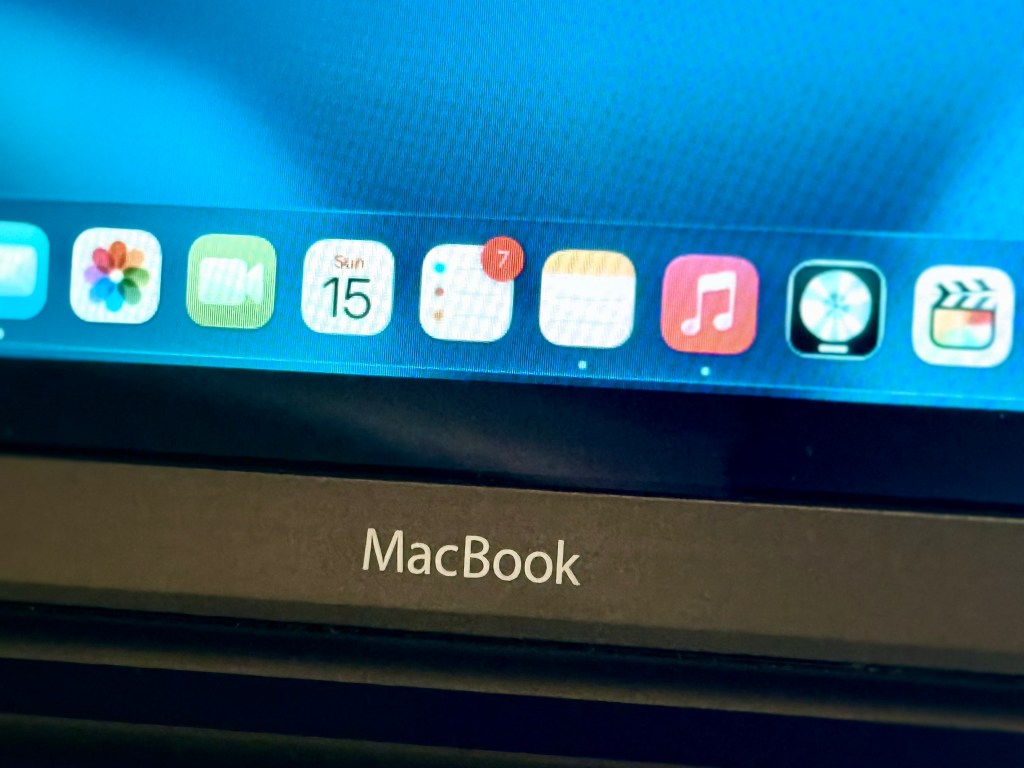
Effectively the MacBook becomes a portable window into my Mac mini.
All the applications and files live on the Mac mini, while the MacBook simply displays the screen and sends keyboard and trackpad input.
Booting Straight Into My Mac Mini
One of the more interesting experiments was writing a small script that launches automatically when Linux starts.
The script waits for the Wifi to connect and then opens my remote desktop session in Remmina.
In theory this means the MacBook could boot and automatically connect straight to the Mac mini, turning it into a dedicated remote terminal.
I’ve decided not to enable this permanently because I still want to use Linux locally when I feel like it, but it’s nice knowing the option exists.

Final Thoughts
What started as a £40 curiosity has become one of the most fun computers I own.
There’s something deeply satisfying about giving an old machine a new purpose.
This MacBook may be nearly twenty years old, but with a little creativity it still has plenty of life left in it.
And every time I open it, I’m reminded of that photography workshop in the Apple Store in Glasgow all those years ago.
 Bryan Leonard Thompson
Leave a comment